
Blog — Data Recovery and Cybersecurity
Technical analyses, prevention tips and data recovery news from the experts at SOS Data Recovery, Swiss laboratory since 2006.
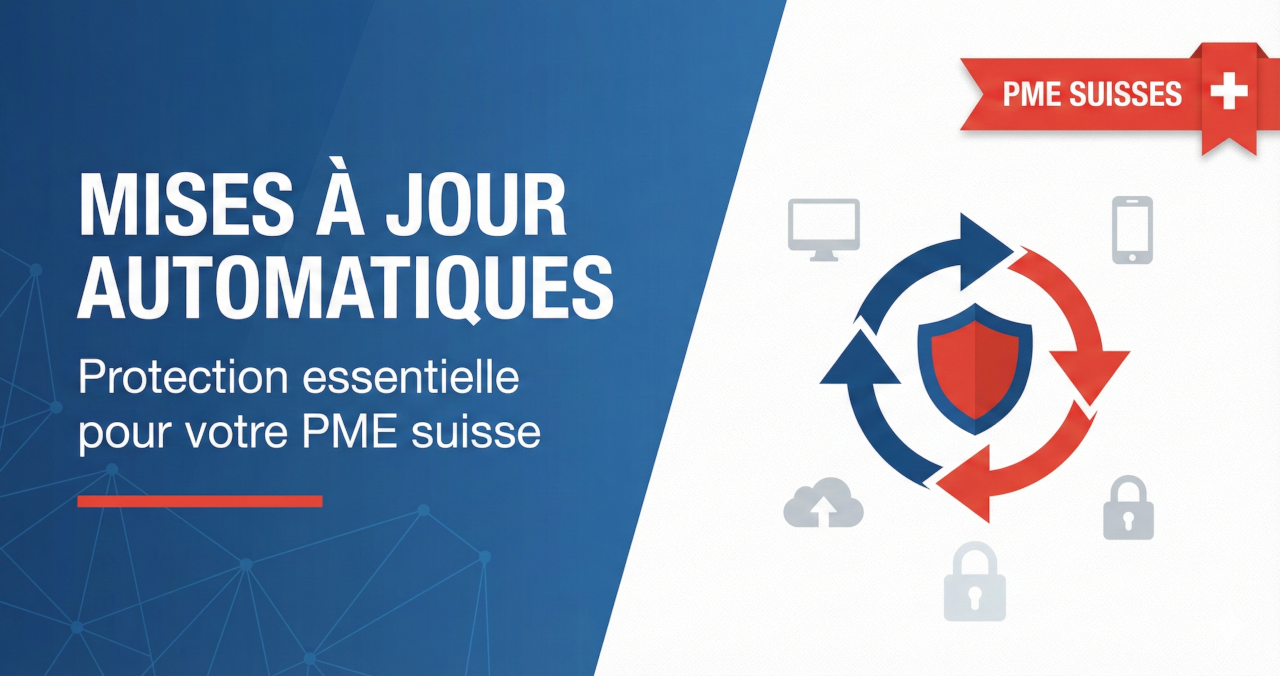
Why Swiss SMEs Need to Enable Automatic Updates
Many Swiss SME managers postpone updates to their IT systems, fearing interruptions or incompatibilities. This caution, while understandable, can turn into a real risk for the company's security. When a critical vulnerability is discovered in an operating system or software, hackers often have only a few hours to exploit it before a corrective update is deployed. An SME that waits several days or weeks to install these patches exposes itself to cyberattacks that could have been avoided.
In this article, you will discover why automatic updates are now an essential protection for your Swiss SME, how they work in practice, and how to configure them without disrupting your daily operations.
Key point: Automatic updates are the cybersecurity measure offering the best protection/effort ratio for a Swiss SME — a one-time setup of a few minutes protects your systems continuously, without daily intervention.
Understanding What Updates Really Are
A security software update (or "patch") is a fix distributed by a software vendor to address a security flaw discovered after its release. Its main role is not to add new features, but to correct vulnerabilities that can be exploited by cybercriminals.
Every day, security researchers — but also cybercriminals — discover new vulnerabilities in operating systems, web browsers, office suites, or business applications. When a vulnerability is identified and made public, cybercriminals consult the update notes to understand which flaw has been fixed, and then actively target companies that have not yet installed the patch. The longer you wait, the longer your system remains exposed to a known and documented threat.
The Concrete Risks for a Swiss SME
For a Swiss SME, not keeping its systems up to date can have direct and costly consequences. An attacker who exploits a vulnerability can install ransomware that encrypts all your data and demands a ransom to unlock it.
For a Swiss SME, the average cost of a ransomware attack is between 50,000 and 200,000 francs, including:
- The potential ransom
- The business interruption (an average of 21 days according to Coveware, 2024)
- The restoration of systems
- The impacts on reputation and customer relations
Beyond ransomware, unpatched systems can also serve as an entry point to steal sensitive data: customer information, financial data, or intellectual property. In the Swiss context, the nLPD (revised Federal Act on Data Protection, in force since September 2023) requires companies to take appropriate technical measures to protect the personal data they process. Failure to perform security updates could be considered negligence in the event of an incident, with legal and financial consequences.
Real Case: The MOVEit Attack (May 2023)
In May 2023, a critical vulnerability in MOVEit Transfer, a file transfer software used by thousands of companies, was exploited by the cybercriminal group CL0P. The vendor, Progress Software, quickly released a security patch, but many organizations were slow to install it. Result: more than 500 companies were compromised worldwide, exposing the personal data of more than 34.5 million people. Victims included Nokia, Xerox, and Morgan Stanley. More than a year after the initial attack, new data continued to be disclosed on the dark web — illustrating the lasting impact of a simple delay in applying patches.
Why Some SMEs Still Hesitate
Three obstacles systematically recur among Swiss SME managers:
- Fear of interruptions: an update may require a restart, temporarily interrupting work. In a small structure where each employee plays a key role, this interruption seems problematic — while it can be scheduled outside of office hours.
- Fear of incompatibilities: some SMEs use specific business software, sometimes developed to measure, and fear that an operating system update will cause a malfunction. This concern is legitimate, but it does not justify leaving vulnerable systems unprotected for weeks.
- Misconception about size: many managers think that their company is "too small" to be targeted. This is false: modern attacks are largely automated. Programs constantly scan the Internet for vulnerable systems, regardless of size. A Swiss SME of 15 people is just as exposed as a large company if its systems are not up to date.
How Automatic Updates Work
Automatic updates allow your systems to download and install security patches as soon as they are available, without manual intervention. On Windows, macOS, or Linux distributions, you can configure the system to:
- Automatically check for available updates
- Download them in the background without interrupting your work
- Install them at a scheduled time (night or weekend)
For third-party software (Chrome, Firefox, Edge browsers; office suites; PDF readers), most also offer automatic update options. It is important to enable them for all software installed on workstations: a flaw in a browser can be just as dangerous as a vulnerability in the operating system.
Centralized management systems allow SMEs with multiple workstations to manage updates from a central point, ensuring consistent protection without relying on the individual action of each employee.
Configure Updates Without Disrupting Activity
The main concern of SMEs is interruptions related to restarts. Most modern systems allow you to schedule them outside of working hours. On Windows, the "active hours" feature ensures that no automatic restart will occur during your workday.
For SMEs using sensitive business software, a cautious approach is to:
- Enable automatic updates for critical security patches only
- Test feature updates on a test workstation before general deployment
- Schedule restarts on Friday evenings or weekends
This strategy offers a good balance between security and operational stability.
It is also recommended to educate your employees about the importance of not indefinitely postponing update notifications. When a system indicates that a restart is necessary to finalize the installation of a security patch, it is preferable to do so quickly rather than clicking on "remind me later" for weeks.
If your SME uses Swiss cloud solutions such as Infomaniak kDrive for file storage or Proton Mail for messaging, you already benefit from additional protection: these services are kept up to date automatically by the providers. However, your employees' workstations remain your responsibility and must be properly configured.
Best Practices for Effective Management
Beyond enabling automatic updates, three complementary practices optimize the security of your SME:
- Maintain an inventory of installed software: the more software you have, the larger your attack surface. Uninstall unused applications and favor software actively maintained by their vendors.
- Configure regular and automatic backups: even with updates enabled, no system is infallible. Solutions like Infomaniak Swiss Backup offer encrypted backups hosted in Switzerland, compliant with the nLPD, which are triggered without human intervention.
- Train your employees on cybersecurity risks: automatic updates protect against technical vulnerabilities, but not against phishing. According to the NCSC, phishing accounts for more than 40% of cyber incidents reported in Switzerland in 2023. Regular awareness training for your team is an essential complement to technical measures.
Swiss Partners to Secure Your Infrastructure
Keeping your systems up to date is an essential foundation, but a Swiss SME can strengthen its security posture by relying on partners adapted to its needs and compliant with the nLPD.
| Need | Solution | Particularity |
|---|---|---|
| Secure cloud storage (common use) | Infomaniak kDrive, Swisscom | 100% Swiss hosting, file synchronization and sharing |
| Cloud storage (very sensitive data) | Tresorit | "Zero-knowledge" end-to-end encryption |
| Secure messaging | Proton Mail | End-to-end encryption, servers in Switzerland |
| Automatic anti-ransomware backups | Infomaniak Swiss Backup | Replication on multiple separate sites in Switzerland |
| SME cybersecurity certification | Cyber-Safe Label | Progressive support, adapted to Swiss SMEs |
Bexxo is part of the network of technical partners that support SMEs throughout the actions necessary to obtain the Cyber-Safe label.
These solutions do not replace enabling automatic updates, but they effectively complement your protection strategy. Rather than managing everything internally, a Swiss SME can rely on local partners who understand the specific constraints of the Swiss economic fabric and legal requirements such as the nLPD.
What to Do If You've Fallen Behind
If your SME has not performed updates for several months, here's how to catch up without panicking:
- Check the status of your systems: on Windows, go to Windows Update settings; on macOS, check system preferences. Install all pending updates, starting with critical security patches.
- Identify obsolete systems: if an operating system is no longer supported (Windows 7, Windows 8), plan a migration to a recent version. Obsolete systems no longer receive any security patches — they are extremely vulnerable. This migration represents a much less costly investment than a successful cyberattack.
- Enable automatic updates: once the overdue patches are installed, configure automatic updates to avoid finding yourself in this situation again.
- Call on an expert if necessary: for SMEs without internal technical skills, a Swiss partner specializing in cybersecurity like Bexxo can perform an audit of your infrastructure, identify at-risk systems, and properly configure automatic updates.
Conclusion: Simple and Effective Protection
Enabling automatic updates on all your IT systems is one of the simplest and most effective security measures to protect your Swiss SME. This action requires only a one-time setup of a few minutes, then runs in the background without daily intervention on your part.
In a context where cyber threats are constantly evolving and where the nLPD imposes data protection obligations, keeping your systems up to date is no longer an option but a legal and operational necessity. Rather than indefinitely postponing this task for fear of interruptions, configure automatic updates today so that they install outside of your working hours.
If you want to go further and secure your IT infrastructure globally, contact Bexxo for support adapted to the realities of Swiss SMEs. Your business deserves to be protected effectively, without unnecessary complexity.
Frequently Asked Questions About Automatic Updates for Swiss SMEs
Can automatic updates break business software?
This risk exists but remains limited for security patches. To minimize incompatibilities, enable automatic updates only for critical patches, and test feature updates on a test workstation before general deployment. An IT partner can help you define this strategy.
How long does it take to configure automatic updates?
The initial configuration takes between 5 and 15 minutes per workstation under Windows or macOS. For an SME of 10 workstations, allow 1 to 2 hours in total. Once configured, updates install automatically without daily intervention.
Does the nLPD require Swiss SMEs to perform security updates?
The nLPD (in force since September 2023) requires companies to take appropriate technical measures to protect personal data. Failure to perform security updates could be considered negligence in the event of a data incident, with legal and financial consequences.
What to do if my operating system is no longer supported?
An unsupported system (e.g., Windows 7) no longer receives any security patches and represents a major risk. Plan a migration to Windows 10 or 11 as soon as possible. The cost of this migration is systematically lower than the average cost of a cyberattack (50,000 to 200,000 CHF for a Swiss SME).