
Blog — Data Recovery and Cybersecurity
Technical analyses, prevention tips and data recovery news from the experts at SOS Data Recovery, Swiss laboratory since 2006.
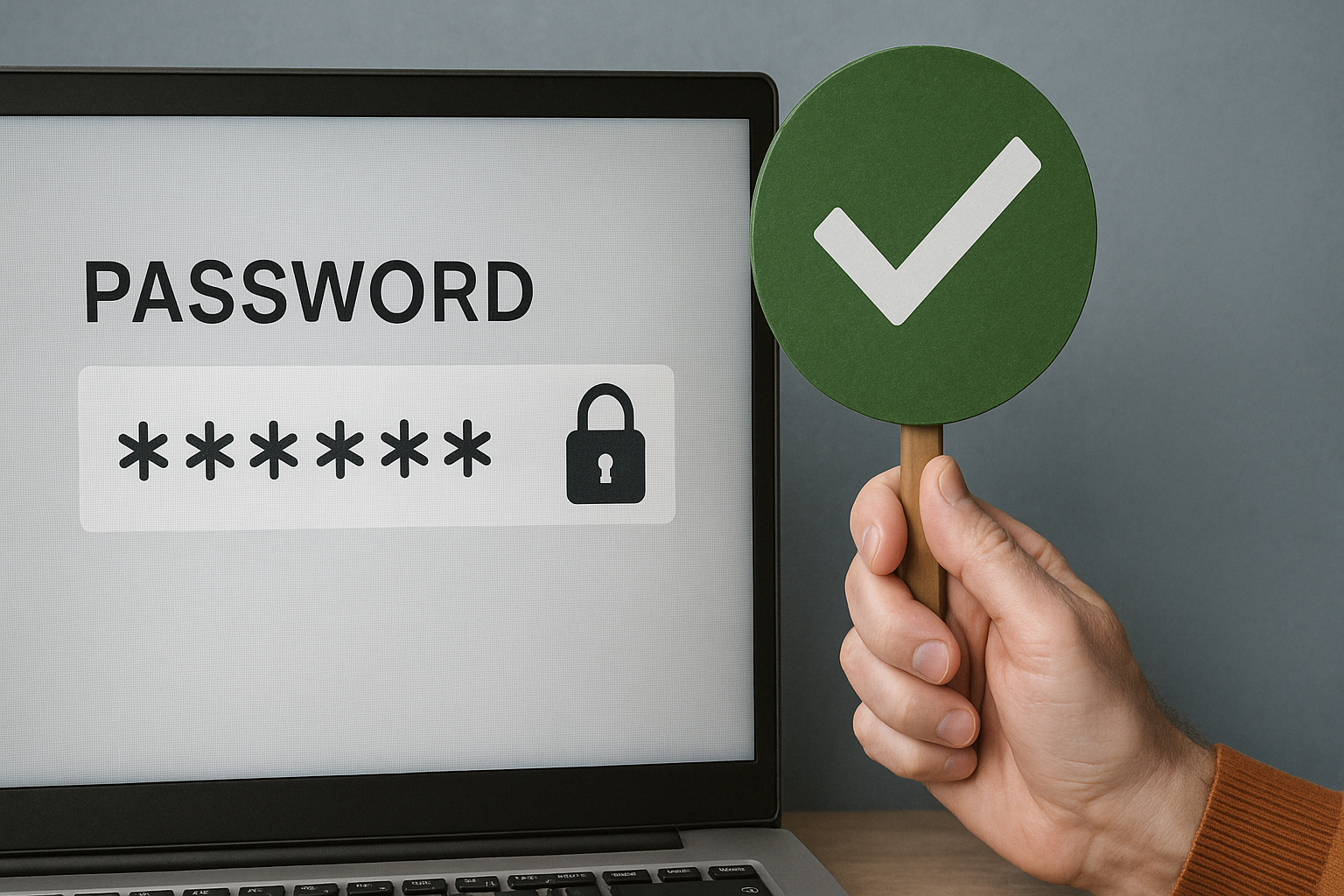
Secure Password: The Complete Guide to Protecting Your Accounts in 2026
A secure password must be at least 15 characters long (NIST SP 800-63B Rev. 4 recommendation, 2024), mix lowercase, uppercase, numbers, and symbols, and be unique for each account. Combined with two-factor authentication (2FA), it drastically reduces the risk of compromise — even if a hacker obtains your password.
The threat is real: according to the Verizon Data Breach Investigations Report 2025 (22,000 incidents analyzed), compromised credentials are involved in 22% of breaches and 88% of attacks against web applications use stolen credentials. In Switzerland, the Federal Office for Cybersecurity (FOCS) explicitly recommends the use of a password manager and two-factor authentication for all SMEs.
Key Takeaways
- Minimum 15 characters: NIST SP 800-63B Rev. 4 (2024) recommendation for sensitive accounts
- 1 password = 1 account: reuse is the #1 cause of cascading compromise
- 2FA mandatory on primary email, bank, and social media
- Password manager (Bitwarden, Proton Pass, KeePass): definitive solution for SMEs
- HIBP Verification: test your addresses on haveibeenpwned.com today
Part 1 — How Hackers Attack Your Passwords
To build an effective defense, you need to know the attacker's methods.
The four main attack techniques:
- Brute-force attack: software automatically tests all possible combinations. A 6-character password can be cracked in less than 6 seconds with a modern computer.
- Dictionary attack: the software tests millions of common words, dates, first names, and passwords already disclosed in leaks. This is why "P@ssword1" is among the most dangerous passwords despite its apparent complexity.
- Hybrid attack: combines personal information gathering (name, date of birth, first name of your children or animals) and brute force. A password like "Milo2018!" is cracked in minutes.
- Phishing: the hacker tricks you into entering your password on a fake site. Even the strongest password does not protect you — only vigilance and 2FA can. To go further: PhishTrainer, phishing simulation platform.
Part 2 — The Two Pillars of an Unbreakable Password
Pillar #1 — Length: Your Best Weapon
Length is the most critical factor in password strength. Each additional character does not add to the difficulty: it multiplies it exponentially.
| Password | Length | Estimated Time to Crack |
|---|---|---|
P@ssw* |
6 characters | 6 seconds |
P@ssw*rd |
8 characters | 8 minutes |
LongP@ssw*rd |
12 characters | 3 days |
LongP@ssw*rd*#*^ |
16 characters | 75 years |
Estimates: zxcvbn calculator, at 10,000 attempts/second — assuming a server with standard protection against online attacks.
Official Recommendations 2026:
- NIST SP 800-63B Rev. 4 (2024): minimum 15 characters recommended; systems must accept up to 64 characters
- FOCS (Federal Office for Cybersecurity, Switzerland): minimum 12 characters, with uppercase, lowercase, numbers, and special characters
- Our recommendation: aim for 16 characters or more for your sensitive accounts
Pillar #2 — Intelligent Complexity
A strong password must mix four types of characters: lowercase letters (a-z), uppercase letters (A-Z), numbers (0-9), and symbols (!, @, #, $, %, ^, &, *).
| Level | Example | Estimated Time to Crack |
|---|---|---|
| Weak | securityhard |
23 seconds |
| Good | S3cur!TyR0cks# |
10 days |
| Excellent | #S3cur!TyR0cks# |
4 years |
Part 3 — Two Professional Techniques for Memorable Passwords
Technique 1 — The Passphrase
- The idea: Five pink turtles dancing on a rainbow
- The passphrase:
5T0rtuesRosesDansentSurUnArc-en-ciel!→ estimated resistance: centuries
Why this method works:
- Memorable: the image is original enough not to be forgotten
- Naturally long: phrases generate passwords of 20 to 40 characters effortlessly
- Complex: replacing "Five" with 5, the "o" in "turtles" with 0, and adding punctuation integrates numbers and symbols organically
Technique 2 — The Mnemonic Acrostic
Take a memorable personal phrase and use the first letter of each word.
- Phrase: This winter, I'll go skiing 3 times in Les Diablerets with 2 friends!
- Password:
Ch,js3faD&2a!→ estimated resistance: centuries
Detailed construction: first letter of each word, respecting uppercase letters, numbers inserted in their position, "with" replaced by &, punctuation preserved. The result seems completely random, but you can reconstruct it in seconds.
Part 4 — Two-Factor Authentication (2FA): The Most Effective Measure
Two-factor authentication is the security measure with the best effort/protection ratio available in 2026.
| Type of 2FA | Security Level | Ease of Use | Recommended For |
|---|---|---|---|
| Code by SMS | Medium | Very easy | Beginners |
| Application (Google Authenticator, Authy) | High | Easy | Daily use |
| Physical key (YubiKey) | Very high | Moderate | Critical accounts |
Part 5 — The Password Manager: The Definitive Solution for Swiss SMEs
A password manager is the most effective tool to secure all your accounts, because it solves the fundamental problem: it is humanly impossible to memorize dozens of unique and complex passwords.
- Generates random and unbreakable passwords automatically for each site
- Stores all your credentials under AES-256 encryption (military standard)
- Automatically fills in login forms on websites and applications
Recommended solutions for SMEs in French-speaking Switzerland, Lausanne, Geneva, and Bern:
| Solution | Hosting | Open source | Indicative Price |
|---|---|---|---|
| Bitwarden | Cloud (EU available) | Yes | Free / ~3 €/month/user |
| Proton Pass | Switzerland (Geneva) | Yes | Free / ~4 €/month |
| KeePass | Local (on your device) | Yes | Free |
| 1Password | Cloud | No | ~3.50 €/month/user |
Proton Pass, developed by Proton AG (Geneva, Switzerland), is subject to Swiss data protection law — particularly relevant for companies processing data of Swiss customers under the revised Federal Act on Data Protection (nLPD).
Part 6 — Digital Hygiene: Four Non-Negotiable Rules
Digital security is not a one-time act, it's a routine. Here are the four fundamental rules:
- NEVER reuse a password — if one site is compromised, all your accounts using the same password become vulnerable
- Renew your important passwords every 6 to 12 months, or immediately after any reported leak
- Check if your accounts have been compromised on Have I Been Pwned — billions of exposed credentials listed
- Beware of phishing: always check the URL before entering your credentials. The FOCS reported a worrying increase in phishing in Switzerland in 2024
Conclusion: Three Actions to Take Today
Protecting your digital life comes down to concrete and accessible actions. Don't wait for an incident to happen before acting.
- Choose a critical account (your primary email) and create a new 16+ character password for it using the passphrase method.
- Enable two-factor authentication on this account today.
- Test your email address on Have I Been Pwned to see if it appears in known leaks.
These three steps represent less than 15 minutes of effort for radically superior protection.
Are you an SME in French-speaking Switzerland, Lausanne, Geneva, or Bern?
Contact the Bexxo team for an audit of your access management practices.
Frequently Asked Questions About Secure Passwords
What is the minimum recommended length for a secure password in 2026?
NIST (National Institute of Standards and Technology, SP 800-63B Rev. 4, 2024) recommends a minimum of 15 characters. The Swiss FOCS recommends 12 characters with uppercase, lowercase, numbers, and special characters. For sensitive accounts, aim for 16 characters or more — each additional character exponentially multiplies the time required to crack the password.
Should you change your passwords regularly?
It is recommended to renew passwords for important accounts every 6 to 12 months, and immediately in the event of a reported data leak on a service used. A password manager facilitates this regular renewal without sacrificing complexity.
Is a password manager really safe?
Recognized managers (Bitwarden, Proton Pass, KeePass) use AES-256 encryption and a "zero knowledge" architecture: even the publisher cannot access your data. According to the Verizon DBIR 2025, more than 51% of users' passwords are reused on average — the manager solves this problem at the root.
What is two-factor authentication (2FA)?
2FA is a security mechanism requiring a second verification after entering the password — generally a temporary code generated by an application (Google Authenticator, Authy) or sent by SMS. Even if your password is stolen, a hacker cannot access your account without this second factor.
What is the difference between a password and a passphrase?
A passphrase is a sequence of several words forming a long phrase (20-40 characters). Its natural length makes it exponentially more difficult to crack than a short, complex password (like X#k9!mZ2), while being memorable. Example: 5T0rtuesRosesDansentSurUnArc-en-ciel! is safer and more memorable than X#k9!mZ2.
How do I know if my password has been compromised?
Check your email address on Have I Been Pwned, a free service founded by security researcher Troy Hunt, listing billions of credentials exposed in thousands of known leaks. Many managers (Bitwarden, 1Password) integrate this verification automatically during each login.