
Blog — Data Recovery and Cybersecurity
Technical analyses, prevention tips and data recovery news from the experts at SOS Data Recovery, Swiss laboratory since 2006.
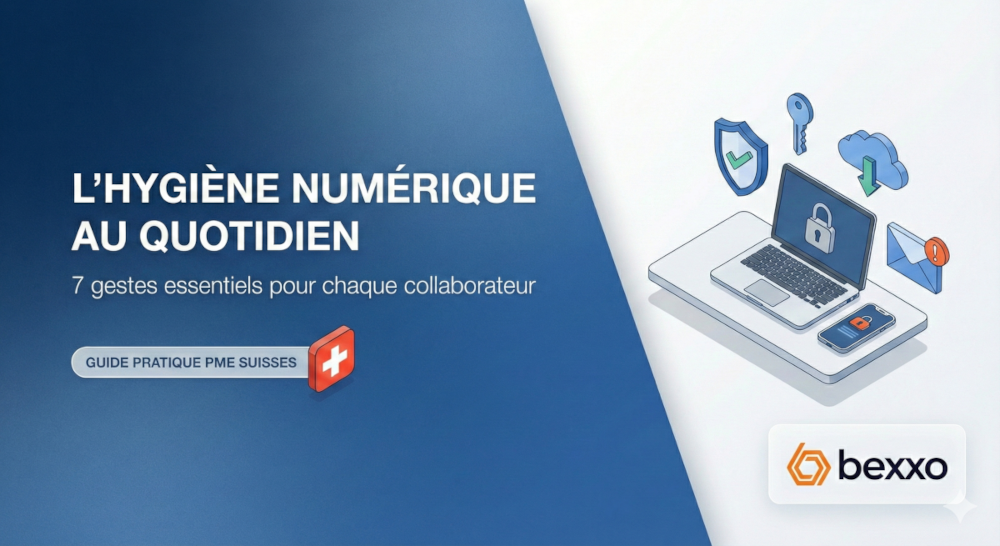
Daily Digital Hygiene: 7 Essential Practices for Every Employee in a Swiss SME
Key Takeaways
- 1 in 6 Swiss SMEs (16%) has experienced at least one cyberattack in the last five years (AXA, 2025)
- 70% of phishing-related breaches target SMEs, not large enterprises (Verizon DBIR, 2025)
- 94% of passwords are reused or duplicated across multiple accounts (CyberNews, 2025)
- 32% of ransomware attacks start by exploiting unpatched software (ExpertInsights, 2025)
- The 7 practices presented here require no technical skills
- Swiss nLPD: obligation to notify a breach as soon as possible after its discovery (art. 24)
Digital hygiene refers to the daily behaviors that enable each employee to reduce the risk of cyberattacks and data breaches, without specific IT skills. In Switzerland, 1 in 6 SMEs (16%) has experienced at least one cyberattack in the last five years — this figure rises to 35% for companies with 50 to 250 employees (AXA, 2025). Seven simple practices — locking your session, checking suspicious emails, using strong passwords, keeping your software up to date, cleaning your downloads folder, logging out of online services, and regularly backing up your data — are enough to build an effective collective defense. These reflexes, integrated into each employee's routine, constitute the first line of defense for any Swiss SME.
« A single act of negligence, a single click on the wrong link, and the entire organization can be paralyzed by a cybersecurity incident. »
Practice 1 — Systematically Lock Your Session When You Step Away
Shortcuts to Know
| System | Shortcut | Action Duration |
|---|---|---|
| Windows | Windows + L | Instant |
| macOS | Command + Control + Q | Instant |
| Linux (GNOME) | Super + L | Instant |
Risks of an Unlocked Session
A workstation left unattended — even for 30 seconds — exposes the organization to: access to professional emails, consultation of confidential documents, installation of malware via USB drive, and digital identity theft on internal systems. This practice is particularly critical in shared spaces: open-plan offices, meeting rooms, coworking spaces.
Practice 2 — Verify the Sender Before Opening an Email or Attachment
Verification Table for a Suspicious Email
| Warning Sign | How to Verify |
|---|---|
| Unknown or unusual sender | Click on the display name to see the full address |
| Slightly modified domain | Ex. bexxo-ch.com instead of bexxo.ch → report |
| Link in the body of the message | Hover without clicking — check the actual URL |
| Unexpected attachment | Call the sender by phone to confirm |
| Urgency or time pressure | Strong indicator of a scam — verify before acting |
| Request for transfer or credentials | Mandatory two-level validation protocol |
Recommended tool: Bexxo's PhishTrainer — realistic phishing attack simulations to train teams to detect these messages before clicking.
Practice 3 — Use Strong and Unique Passwords
| Bad Practice | Risk | Good Practice |
|---|---|---|
| Same password everywhere | 1 breach = all accounts compromised | 1 unique password per service |
| Short password (< 12 char.) | Crackable in a few hours | 20+ randomly generated characters |
| Memorable passwords | Easy to guess | Password manager |
| No 2FA | Stolen credentials = direct access | 2FA on all critical accounts |
Recommended solution for Swiss SMEs: Proton Pass — Swiss password manager, end-to-end encryption, 2FA integration included.
Resource: Complete Password Security Guide
Practice 4 — Regularly Update Your Tools and Applications
« A single unpatched computer connected to the network can serve as an entry point to infect an entire SME's infrastructure with ransomware. »
| System | How to Activate | Recommended Frequency |
|---|---|---|
| Windows | Settings → Windows Update → Automatic | Immediately upon availability |
| macOS | System Preferences → Updates → Automatic | Immediately upon availability |
| Mobile Applications | App Store / Google Play → Automatic Updates | Weekly |
| Web Browsers | Enabled by default in Chrome, Firefox, Edge | Continuous |
Resource: Automatic Updates for Swiss SMEs
Practice 5 — Regularly Clean Your Downloads Folder
The downloads folder is one of the least secure places on a professional computer. Contracts, invoices, email attachments, installation files — everything accumulates there without control, often without encryption. A weekly cleanup reduces the attack surface and contributes to nLPD compliance.
Resource: AMF and nLPD Guide for Swiss SMEs
Practice 6 — Log Out of Online Services After Use
Explicit logout — and not just closing the tab — is an often-neglected measure. An account that remains logged in remains accessible to anyone who accesses the device or intercepts the session.
| Context | Risk if Not Logged Out | Recommended Action |
|---|---|---|
| Shared computer (office, training) | Direct access by the next user | Mandatory logout before leaving |
| Public Wi-Fi (café, hotel) | Session hijacking | VPN + systematic logout |
| Lost or stolen device | Access to all open services | Remote revocation of active sessions |
| Banking or payment service | Fraudulent transfer | Immediate logout after each operation |
Practice 7 — Regularly Back Up Your Work and Verify Backups
| Incident | Without Backup | With 3-2-1 Rule |
|---|---|---|
| Ransomware | Total loss or ransom | Restoration from the unencrypted copy |
| Hardware failure | Loss of workstation data | Restoration from the secondary medium |
| Disaster (fire, flood) | Total loss if everything is on-site | Restoration from the offsite copy |
| Accidental deletion | Irrecoverable | Restoration from the previous version |
Recommended Solutions for Swiss SMEs
- Microsoft 365 / Google Workspace — real-time backup of emails and documents
- kDrive by Infomaniak — triple replication in two Swiss datacenters (Geneva), nLPD compliant
- Swiss Backup by Infomaniak — cloud backup, servers exclusively in Switzerland, guaranteed nLPD compliance
Resource: Backup Security Plan
Checklist of 7 Practices to Display in Your Offices
- Lock your session as soon as you step away (Win+L / Cmd+Ctrl+Q)
- Verify the full sender address before any click
- A unique password per service + 2FA enabled
- Install updates without delay
- Empty the downloads folder every week
- Log out of sensitive services after each use
- Back up according to the 3-2-1 rule and test the restoration
Frequently Asked Questions — Digital Hygiene for Swiss SMEs
Digital hygiene is the set of daily practices that enable each user to reduce the risks of cyberattacks and data breaches, without specific IT skills. It is based on seven simple practices — session locking, email verification, strong passwords, regular updates, cleaning downloads, systematic logout, and backups — which, when practiced collectively, create a true security culture within the organization.
In Switzerland, 1 in 6 SMEs (16%) has experienced at least one cyberattack in the last five years, and 70% of phishing-related breaches target SMEs (Verizon DBIR, 2025). SMEs are prime targets because they often have valuable data but limited security resources. In addition, the nLPD has required notification of personal data breaches as soon as possible since September 2023 (art. 24).
Research in behavioral science indicates that habit formation requires an average of 21 to 66 days of conscious practice. In a professional context, with a weekly reminder and a summary poster, most employees integrate these 7 practices in 3 to 4 weeks.
Act immediately: (1) disconnect the device from the Wi-Fi and wired network, (2) contact the IT department or external provider, (3) do not turn off the device (preservation of forensic traces), (4) change passwords from another device, (5) monitor access to professional accounts for the next 24 hours.
These 7 practices constitute the indispensable foundation — they eliminate the majority of common attack vectors. They do not replace complementary technical measures: firewalls, antivirus, offsite backups, security audits. For complete protection, support from a specialized partner is recommended. The combination of good human practices and adapted technical solutions represents the optimal defense for SMEs in French-speaking Switzerland, Bern, Lausanne, and Geneva.
Three methods have proven their effectiveness: (1) short 15-20 minute sessions regularly rather than one large annual training, (2) realistic phishing simulations with PhishTrainer to train through experience, (3) summary poster of the 7 practices in workspaces. Training by example — showing the concrete consequences — is more effective than theory alone.
Conclusion
Digital hygiene is neither complicated nor technical. These 7 practices — session locking, email verification, unique passwords and 2FA, regular updates, cleaning downloads, systematic logout, and verified backups — constitute the first line of defense for any Swiss SME. Practiced collectively, they create a security culture that significantly reduces the attack surface to cyber threats. After a few weeks, they become automatic.
Sources
- AXA — SME Employment Market Study 2025 (December 2025)
- Federal Cyber Security Office (FCSO) — Annual Report 2025
- Verizon — Data Breach Investigations Report (DBIR) 2025
- CyberNews — Password Leak Study 2025: analysis of 19 billion passwords
- ExpertInsights — Patch Management Statistics and Trends 2025
- Recorded Future — H1 2025 Malware and Vulnerability Trends
- nLPD — Federal Act on Data Protection (RS 235.1), in force since September 1, 2023